- Productivity
- Software Engineering
- Work
The Task System That Finally Got Work Out of My Head
After trying productivity apps, books, and advice that never stuck, I built a low-friction system with a pocket notebook and Excel.
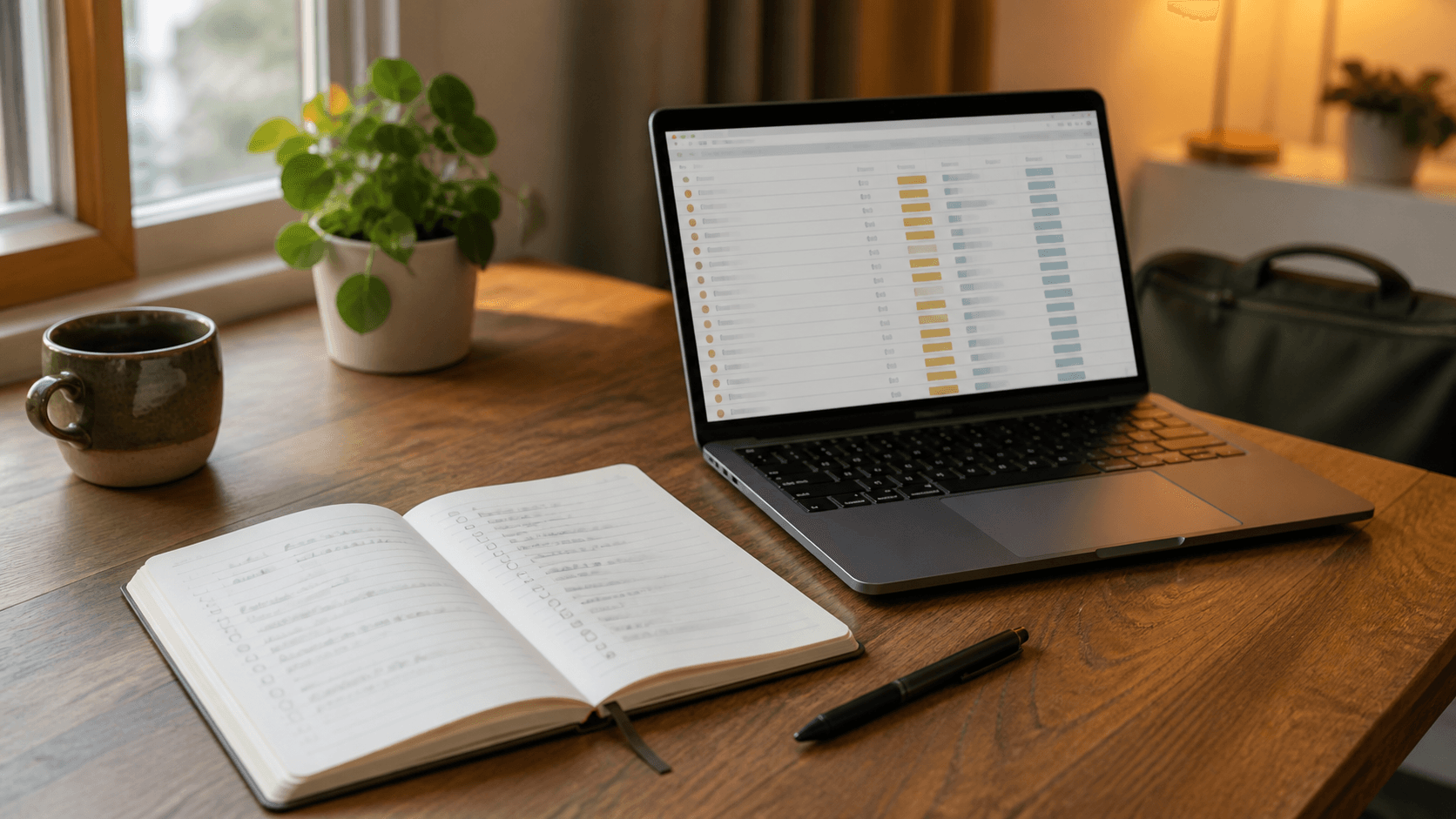
I have tried a lot of ways to manage my tasks.
I watched YouTube videos, read books, downloaded productivity apps, and experimented with systems that worked well for other people. I could usually follow them for a few days, but none of them really stuck.
The problem was not that I could not finish tasks. The problem was that I kept carrying those tasks in my head.
Even after leaving work, my brain would continue reminding me about unfinished code, small follow-ups, commands I might forget, and things I needed to do tomorrow. I was physically at home, but part of my mind was still at work.
I Needed a System That Worked With Me
Eventually, I asked ChatGPT to help me figure out why the usual productivity advice did not work for me. Instead of asking for another list of tips, I treated it like an interrogation. I explained how I work, what I avoid, what makes me feel overwhelmed, and what I actually enjoy doing.
One thing became clear: I did not need a more powerful task manager. I needed a system with almost no friction.
I can be lazy about maintaining complicated systems. If capturing a thought requires opening an app, finding the correct project, choosing a category, and filling in several fields, there is a good chance I will tell myself, “I’ll do it later.” Then I keep the thought in my head so I will not forget it.
That is exactly what was stressing me out.
My System Has Two Parts
The system that finally worked for me is surprisingly simple:
- A small notebook and pen for capturing anything quickly
- An Excel workbook for organizing everything later
The notebook is my inbox. Excel is my trusted system.
They have different jobs, and that distinction is what makes the whole thing work.
The Notebook Is My Inbox
I keep a small notebook close to me while I work. Every new thought goes there first:
- a task someone assigns to me
- a bug I notice while working on something else
- a question I need to ask
- a reminder for later
- an idea that is not yet a real task
- anything my brain is afraid of forgetting
For example, if I am focused on a coding task and something new comes up, I do not stop to organize it. I just write a short note in the notebook and continue working.
This protects my focus without trusting my memory.
Later—usually after lunch, during a break, or before I finish for the day—I review the notebook. For each item, I decide what it actually is. It might be a task, reminder, project note, reference, or idea. Then I put it in the correct place in Excel and cross it out in the notebook.
Excel Is My Trusted System
I created my own task and project management workbook because I wanted the structure to match the way I think—not the way a productivity app thinks I should work.
My workbook has separate areas for:
- recurring tasks
- active tasks
- projects
- ideas
- reminders
- references
- commands I often forget
- archived items
For an active task, I can record the project, status, priority, dates, references, dependencies, and notes. Small tasks are allowed. If something takes space in my brain, it deserves a place in the system.
The commands section is especially useful as a software engineer. I do not need to keep searching for a command I have already used or feel bad because I forgot its exact syntax. I save it once and know where to find it next time.
The workbook is not perfect or fancy. That is part of why it works. It contains only the fields and sections that are useful to me.
My Daily Workflow
The complete workflow looks like this:
- Capture new information in the notebook without interrupting my current work.
- Review the notebook at a natural stopping point.
- Decide what each entry means.
- Move it into the correct Excel section.
- Cross it out in the notebook.
- Review Excel before ending the workday.
At the end of the day, I can see what is finished, what is waiting on someone else, and what I need to continue tomorrow.
That final review matters. It tells my brain, “Everything is recorded. You do not need to keep reminding me.”
Why This Worked When Other Systems Did Not
This system works for me because it separates capturing from organizing.
Trying to organize every thought the moment it appears creates too much friction. Capturing it on paper takes only a few seconds. I can make decisions about it later, when I am not in the middle of something else.
It is also visible and satisfying. I enjoy writing things down, moving them into the workbook, and crossing them out. It feels less like maintaining a productivity system and more like clearing my workspace.
Most importantly, I trust it. I know that my tasks, reminders, notes, and useful commands have a home.
Productivity Is Not the Real Benefit
I expected this system to help me manage more tasks. It did, but that was not the biggest improvement.
The real benefit is that I can stop working.
When I go home, I do not have to continuously replay my task list in my head. I know where everything is. If a thought about work appears, I can remind myself that it is already captured and that I will see it again when I return.
For me, task management is not about squeezing more work into every day. It is about creating enough trust that my brain is allowed to rest.
Build a System for the Person You Actually Are
I spent a long time trying to copy systems made by other people. Some were too complicated. Some required too much maintenance. Some simply did not feel enjoyable to use.
The system that worked was the one I built around my real behavior—including my tendency to avoid unnecessary effort.
You do not need the perfect app or the most popular productivity method. You need a trusted place for your thoughts and a review process simple enough that you will actually use it.
For me, that turned out to be a small notebook, a pen, and an Excel workbook.
How did this land?
A tiny signal is enough—no account needed.